
Quick Answer
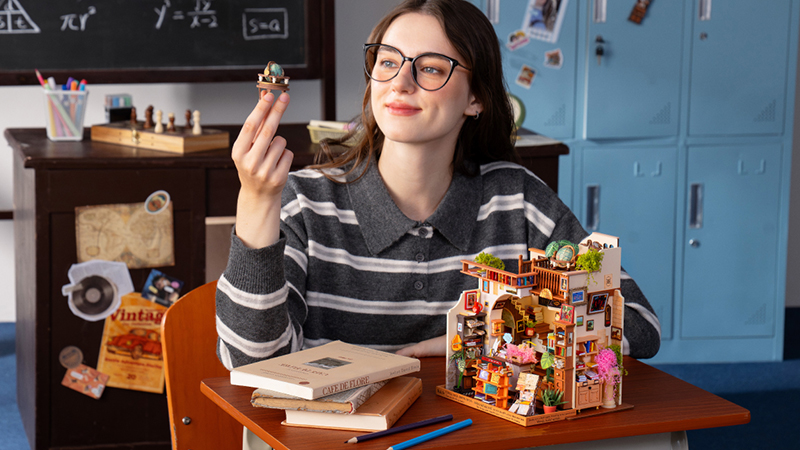
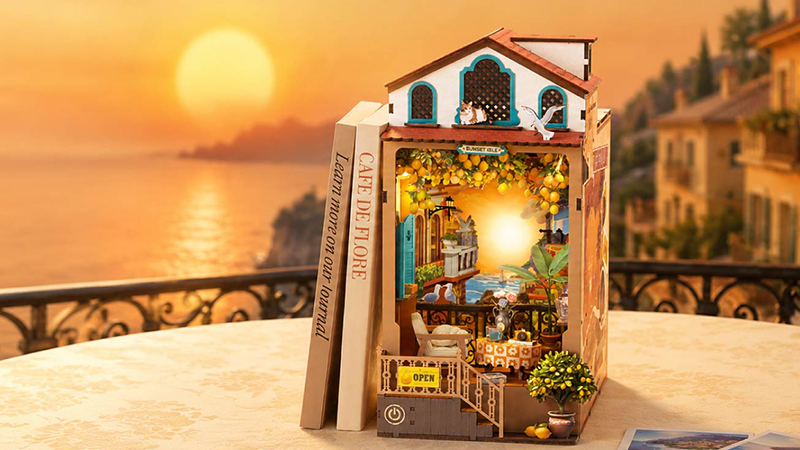
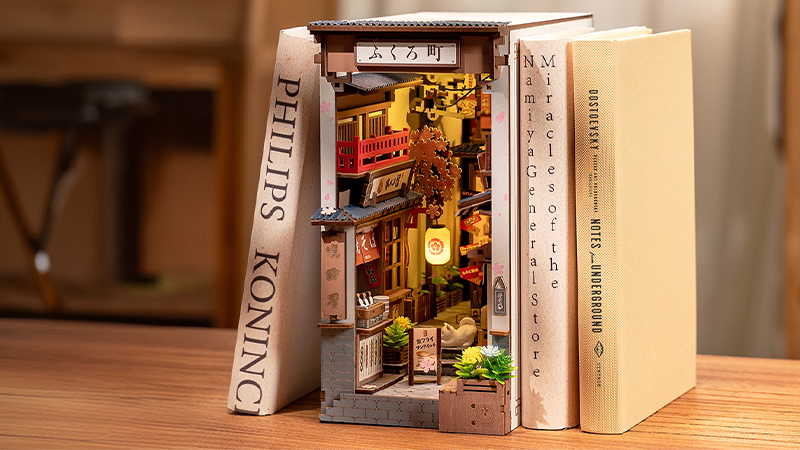
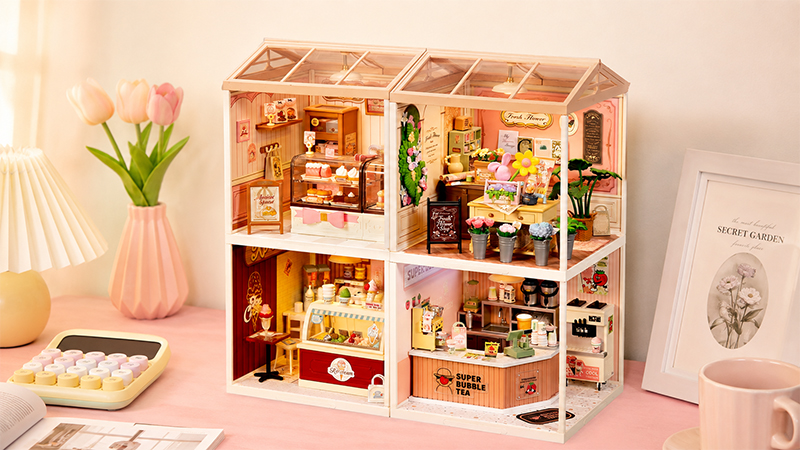
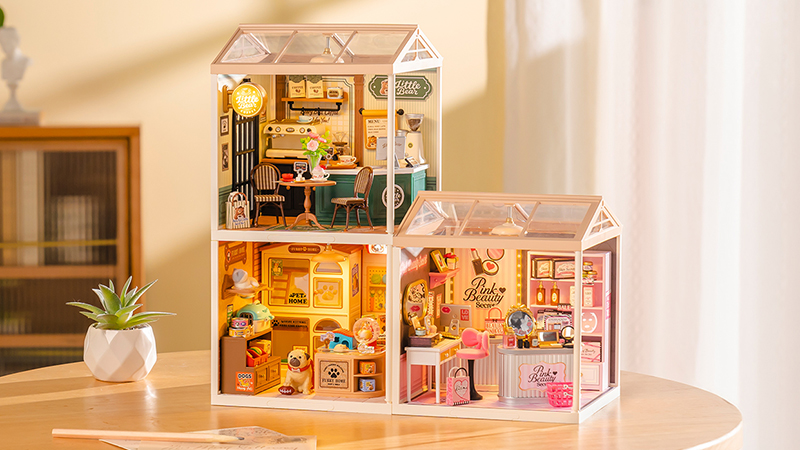
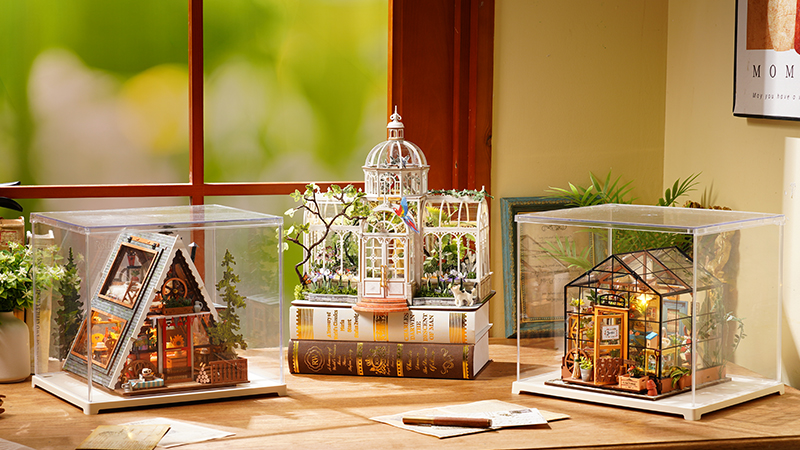
Fun Pieces is Rolife’s collection of miniature room frames, furniture and accessories for creating scenes your own way. Choose a few pieces, build a small corner or add new details to a compatible miniature house. The idea is to make creativity something you can return to, even after a first build is finished.
What is Fun Pieces?
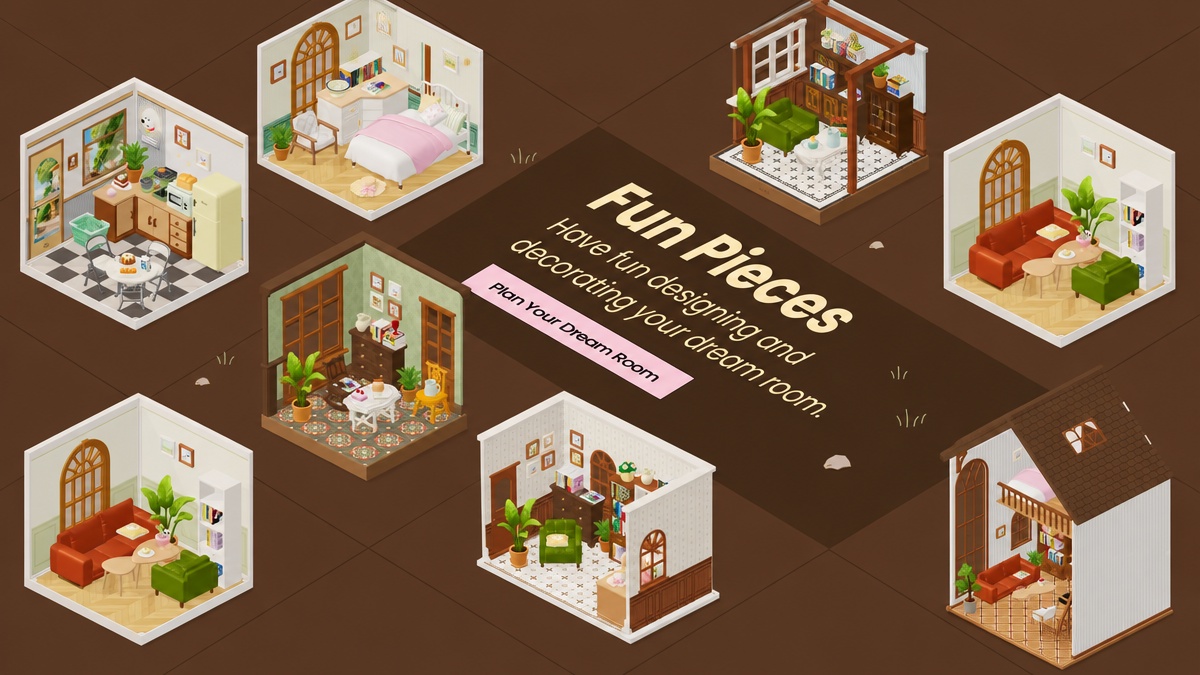
Fun Pieces is a mix-and-match miniature collection by Rolife. Room frames provide the setting, furniture gives it a purpose, and small accessories add the details that make it yours. You select the products for your own arrangement, from a single display corner to a furnished miniature room.
It is also a way to keep creating after a first build: add a new detail, change a compatible furnishing or try another layout. The online designer helps you explore these arrangements before choosing the physical products.
Why did Rolife create Fun Pieces?
Finishing a miniature house is satisfying, but it can also leave you wondering what to make next. Perhaps you love the room but want a different chair, a new color combination or a table set for another occasion. Fun Pieces grew from that wish to keep creating.
Rolife’s complete miniature house kits provide a setting and an assembly journey. Fun Pieces extends that experience with separately selected furniture and details, giving you more room to make choices of your own. A finished scene can become the starting point for another idea.
You can also begin small. A chair and an open book can suggest a reading corner; a table and a tiny cake can suggest an afternoon pause. You do not need to begin by furnishing an entire room. Start with one detail you love, then let the scene grow.
What can you create with Fun Pieces?
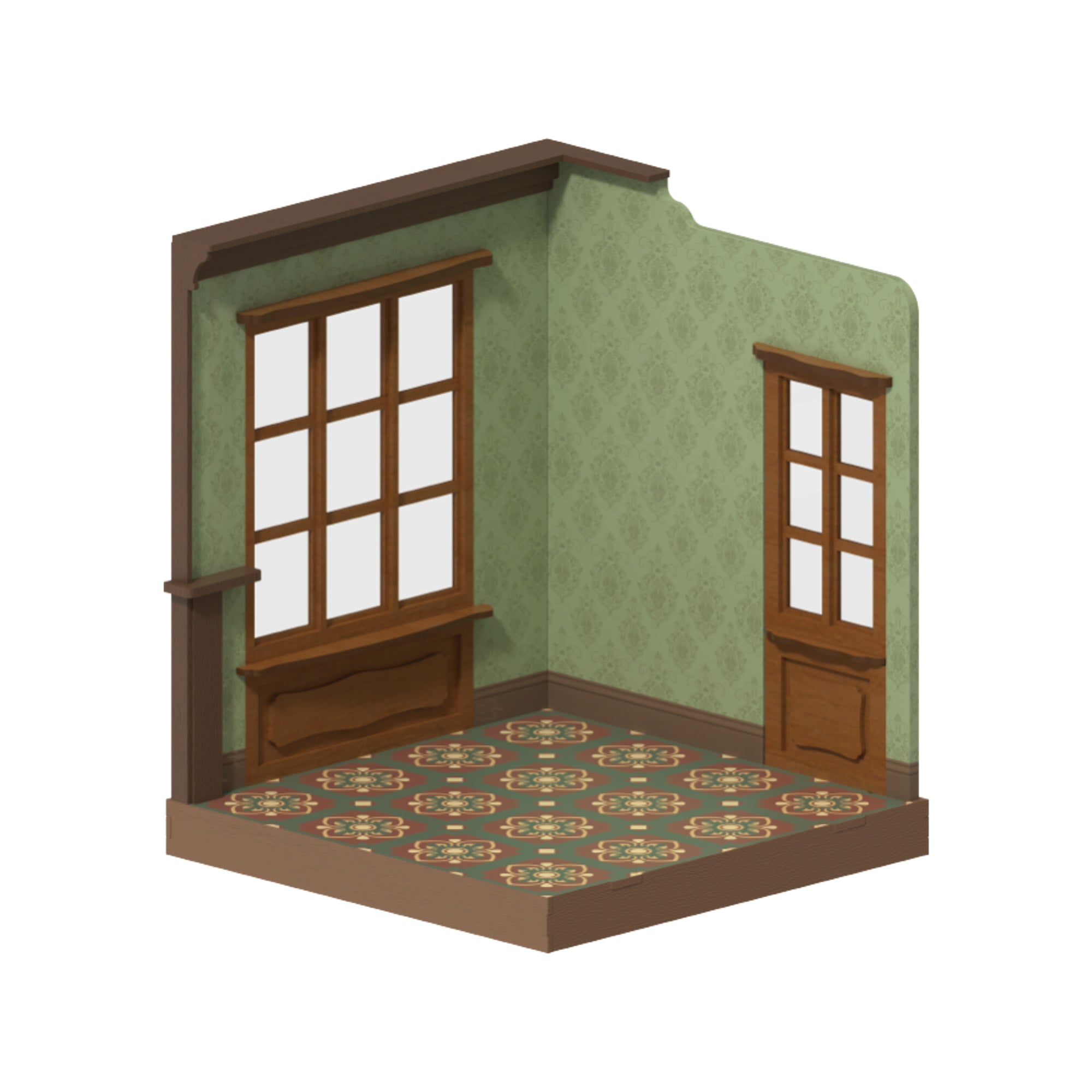
The Fun Pieces collection brings together room frames, furniture and decorative accessories. Frames establish the space; furniture gives it a purpose; food, books, plants and other small objects give it personality.
- Create a new scene: choose a frame and furnish it around a mood, activity or favorite object.
- Refresh a compatible miniature house: replace a furnishing or add a few details after checking the available space.
- Build a small display: combine a few objects into a tabletop vignette without committing to a complete room.
Color is another way to make a scene personal. Where a product offers different finishes, choose one that suits your palette. A coordinated room can feel calm, while a contrasting chair or accessory can become the detail that draws your eye.
What should you know before you start?
- Scale matters. The Fun Pieces system centers on 1:12 and 1:18 miniature scales. These are different sizes: at 1:12, one unit represents twelve at full size; at 1:18, it represents eighteen. Check the scale and actual dimensions on each listing rather than assuming all pieces fit together.
- Materials and assembly vary. The range includes wooden pieces alongside other materials and decorative details. Read each product’s material and assembly information; choosing a layout online is separate from assembling the physical products.
- Products are selected individually. A furnished inspiration scene can contain a frame and several separately sold products. Check what each listing includes.
- A set remains a set. In the online designer, you may place one component from a multi-piece product. The purchase unit is still the complete set.
For an existing miniature house or a figure display, measure the usable floor space, tabletop height and openings. A similar style does not guarantee a good fit.
Who is Fun Pieces for?
New miniature makers
If you are curious about DIY miniatures, a small scene gives you a focused place to begin. Choose a manageable product, follow its instructions and add another piece when you are ready. The size of your project is yours to decide.
Builders who enjoy customizing
If you already build miniature houses, Fun Pieces offers a way to revisit a favorite setting. Change the furniture arrangement, introduce a different finish or create a new use for a corner. Experienced makers can combine selected pieces with their own craft work, checking scale and materials along the way.
Collectors and scene stylists
Miniature food enthusiasts can begin with a small serving or dessert display. Figure and doll collectors can explore props and backgrounds for photography, selecting pieces that suit the dimensions of their collection. For anyone who enjoys styling shelves and tiny objects, the arrangement itself can be part of the pleasure.
Sunny Nook: one small example of the idea
Sunny Nook, the furnished room in our tutorial, shows how a few everyday details can suggest a whole story. A cream Windsor Classic Table holds a tiny dessert; a walnut rocking chair and an open book create a reading spot; plants soften the corners.

These are three moments within one room, rather than three complete kits. You might borrow only the reading idea or choose a different color palette. The point is to find a starting detail, then make your own decisions around it.
How are Rolife Community makers making Fun Pieces their own?
A quiet corner, a coffee break or a favorite cafe: a room can begin with an ordinary moment. These three designs were shared by Rolife Community makers in our Fun Pieces design discussion. They are digital arrangements made with the online designer, rather than photographs of assembled products.
A cozy corner to unwind
Rolife Community maker: Icecreamqueen

Icecreamqueen designed a cozy corner and imagined finishing it with fairy lights and a cup of tea. Those details suggest a simple way to begin: picture how you would spend time in the room, then choose the pieces that belong in that moment.
Try it in your room: Start with one everyday ritual, such as reading or taking a tea break, and arrange a small scene around it.
A little office with a coffee corner
Rolife Community maker: Liz

Liz combined a cozy office with a coffee corner in one digital room. A workspace and a place for a break give the arrangement two purposes, without needing two separate rooms.
Try it in your room: Try dividing your floor space into two small areas. Give each a clear purpose, then check the whole arrangement from another angle.
A cafe for the journey home
Rolife Community maker: Cassandra

Cassandra created a little cafe inspired by the kind of place she likes to stop at on the way home, then shared a preview with the roof in place. A familiar place can be a useful starting point when a blank room feels difficult to furnish.
Try it in your room: Borrow a mood from somewhere you enjoy visiting. Check your design with the room frame and roof visible to see how the finished setting comes together.
How can you start creating?
- Choose a starting idea. Pick a room, an activity or one favorite object. Keep your first arrangement as small as you like.
- Try a digital layout. In the Fun Pieces designer, explore products or begin with a Rolife Design. Move and rotate pieces, change your viewing angle and use Focus for small details.
- Review your selection. Check dimensions, materials, assembly requirements and complete-set contents before choosing your physical products. Save your digital arrangement before starting another room.
Visit the Fun Pieces inspiration and building page for scene ideas, featured products and an easy starting point for your next arrangement.
Fun Pieces User Guide
Keep a little help beside you as you create. Our illustrated guide walks you through the online designer, with screenshots and step-by-step instructions.
- Browse products and choose pieces from a set.
- Move and rotate objects, adjust the view and use Focus for small details.
- Review the shopping list, explore Rolife Designs and save your room.
English · Illustrated PDF · 15.8 MB. Opens in a new tab; use your PDF viewer’s download button to save a copy.
A miniature world does not have to be finished all at once. Begin with something that catches your eye, give it a place and come back whenever another idea arrives.
Frequently asked questions
Is Fun Pieces a complete miniature house kit?
Fun Pieces is a collection of separately selected room frames, furniture and accessories. Some products contain multiple components sold together as a set.
Will every Fun Pieces item fit my miniature house?
No single fit applies to every room. Check the individual product’s scale and dimensions against your available space before combining pieces.
Can I start without a room frame?
Yes. You can choose a few pieces for a small display, or add details to an existing compatible setting. A complete room can come later.