
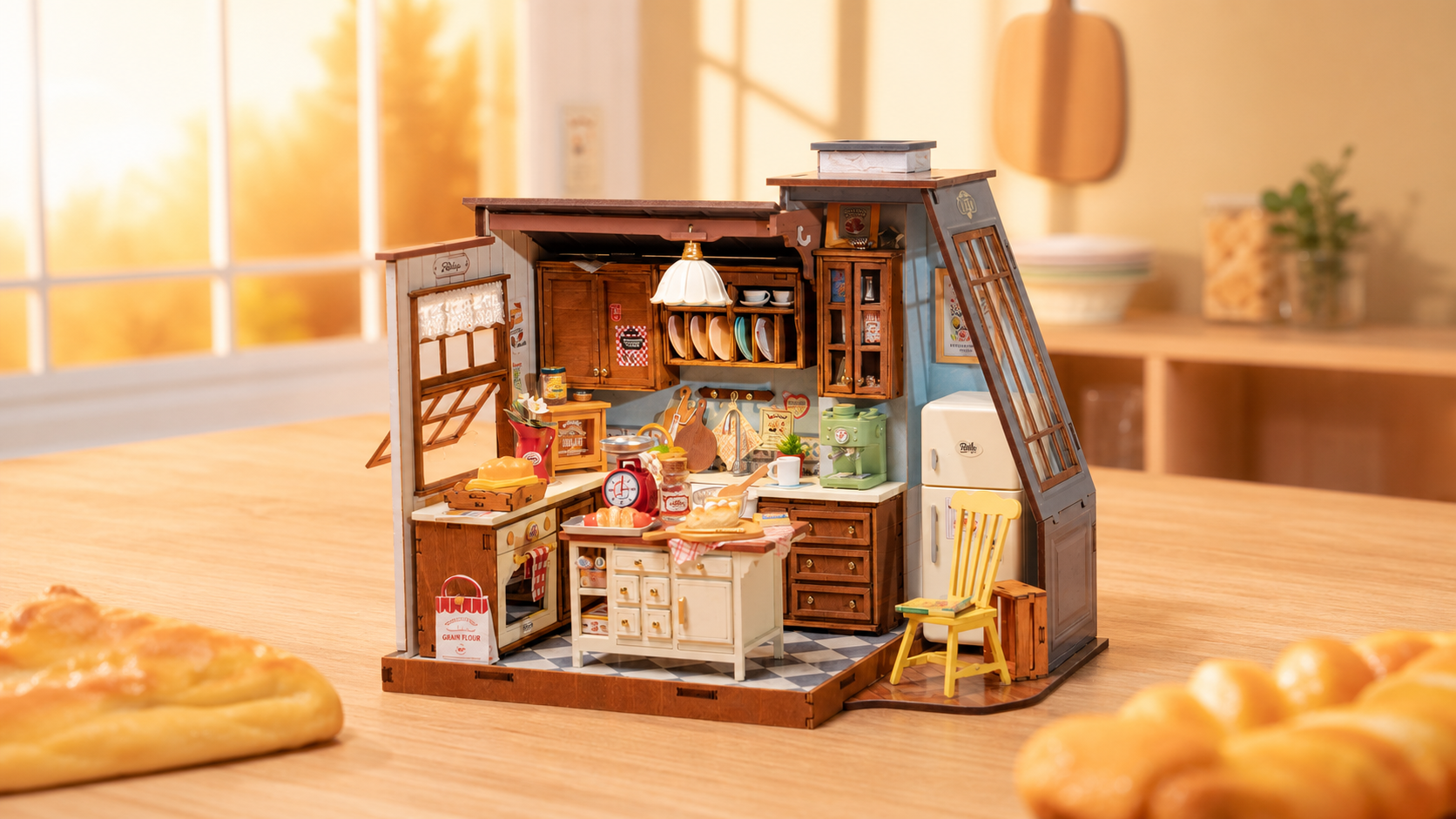



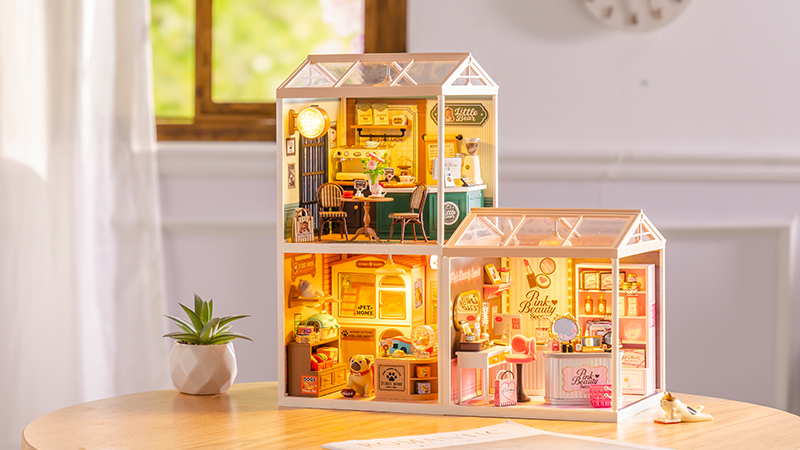

Many Rolife DIY kits include powered accessories that bring a scene to life, such as warm LED lights, switches, and small moving or interactive components. These details add atmosphere and make a Miniature House, Book Nook, or other display feel even more special.
This guide explains how to handle powered accessories more safely, install them with care, test them at the right time, and troubleshoot common issues if something does not work as expected.
Common Powered Accessories in DIY Kits
Depending on the design, your kit may include one or more of the following:
- LED lights: used to illuminate rooms, windows, shop scenes, and decorative details
- Motors or moving parts: found in some mechanical or interactive kits
- Switches and wiring: used to connect and control powered components
- Sound units: included in certain interactive builds
- Battery holders: often used with AAA batteries, depending on the kit instructions
Before Installation
A little preparation can help prevent mistakes later:
- Read the instruction manual carefully before connecting anything.
- Identify where each light, switch, or wire should go.
- Keep wires untangled and separate before routing them.
- Prepare a clean workspace so components stay visible and protected.
- Make sure you have the correct battery type if batteries are required.
How to Install and Handle Powered Accessories
Follow these steps carefully to protect the components and keep the final display neat and functional.
Test the Components Before Final Assembly
Before gluing or sealing parts in place, test the powered accessories first. This helps you confirm that the lights, switches, or other powered elements are working before they become harder to access.
Follow the Manual Closely
Powered accessories should always be placed according to the manual. Check the position of wires, switches, battery holders, and any connection points before fixing them in place.
Do not rely on guesswork, especially in compact scenes where space is limited.
Keep Wires Neat and Organized
Route wires carefully so they stay tidy and do not interfere with other pieces. When multiple wires are involved, keeping them organized can reduce confusion during installation and troubleshooting.
If your instructions recommend tape or gentle fixing methods, use them to keep wires in place neatly.
Avoid Over-Bending or Pulling Wires
Wires should be guided gently into place, not pulled hard or bent sharply. Over-bending can weaken the connection and cause accessories to stop working properly later.
When possible, route wires through the intended channels or behind walls slowly and with minimal tension.
Test Again in Stages
After a major step is completed, test the powered accessories again before fully closing or sealing that section. This is especially helpful in detailed Book Nooks and Miniature Houses where wires may become hidden.
Battery Safety Tips
- Use the battery type specified in the instruction manual.
- Check the polarity marks (+/-) carefully before inserting batteries.
- Do not mix incorrect battery types or force batteries into place.
- Remove batteries if the kit will not be used for a long time.
- Keep the battery holder secure so the connection stays stable.
What to Avoid
- Do not pull hard on thin wires or small connectors.
- Do not sharply bend wires just to make them fit faster.
- Do not skip testing before final assembly.
- Do not use the wrong battery type.
- Do not make last-minute wire routing changes if you can plan the path in advance.
Troubleshooting Common Problems
- Light not turning on: check battery orientation, battery charge, wire placement, and switch position.
- Flickering light: check whether the connection is loose or whether the wire has shifted during assembly.
- Motor not running: confirm that the part is installed correctly and that nothing is physically blocking movement.
- No sound: try fresh batteries and check whether the switch or trigger area is aligned correctly.
- Loose connection: inspect the affected section carefully and compare it with the instruction diagram.
If the accessory still does not work after careful checking, it may be better to stop and contact support instead of forcing further adjustments.
FAQs
Should I test the lights before final assembly?
Yes. Testing before final assembly helps confirm that everything works before the powered parts become harder to reach.
Why are my lights not turning on?
The most common reasons are incorrect battery orientation, low battery power, a loose wire, or a switch that is not in the correct position.
Can I bend the wires to make them fit?
You can guide wires gently into place, but avoid sharp bends or heavy pulling, which may weaken the connection.
What battery type should I use?
Always use the battery type specified in the instruction manual for your particular kit.
Where can I get more help?
You can return to DIY Assembly Help, read the parts fitting guide, or contact Rolife through the Contact page.
Need More Support?
If a powered accessory still does not work after careful installation and testing, continue with one of the options below.