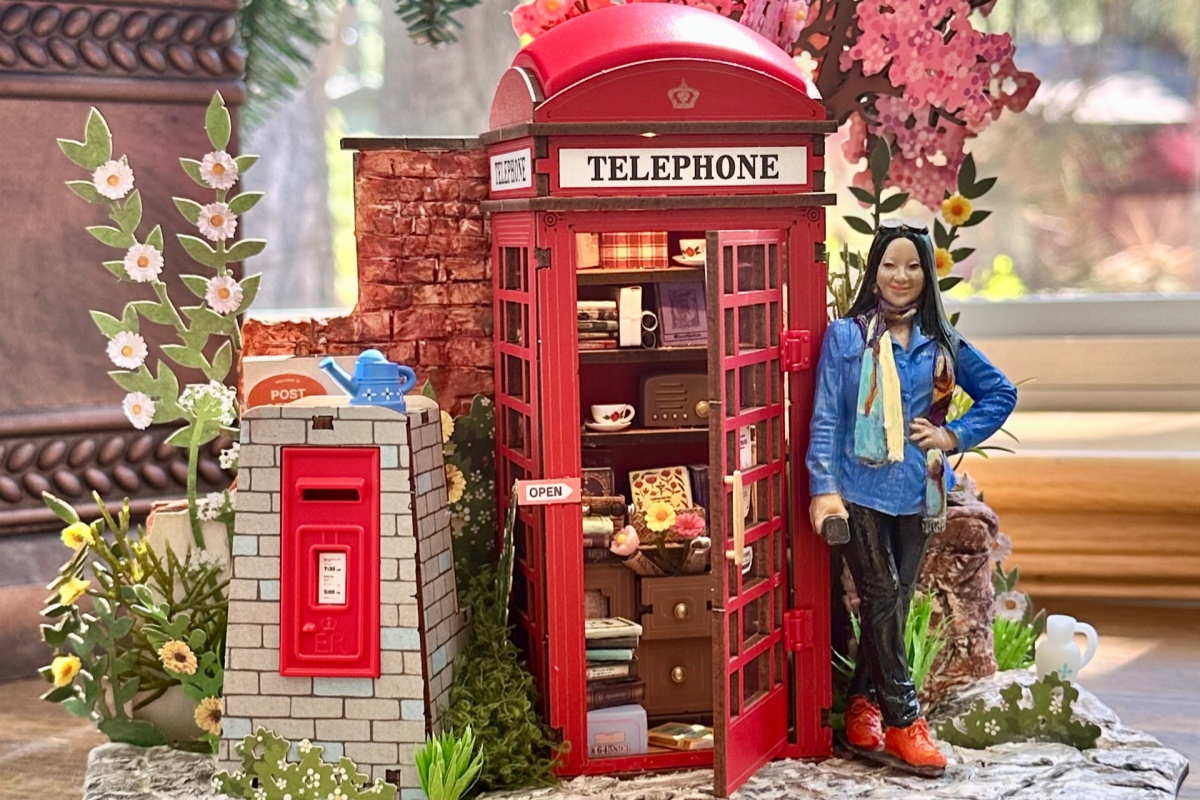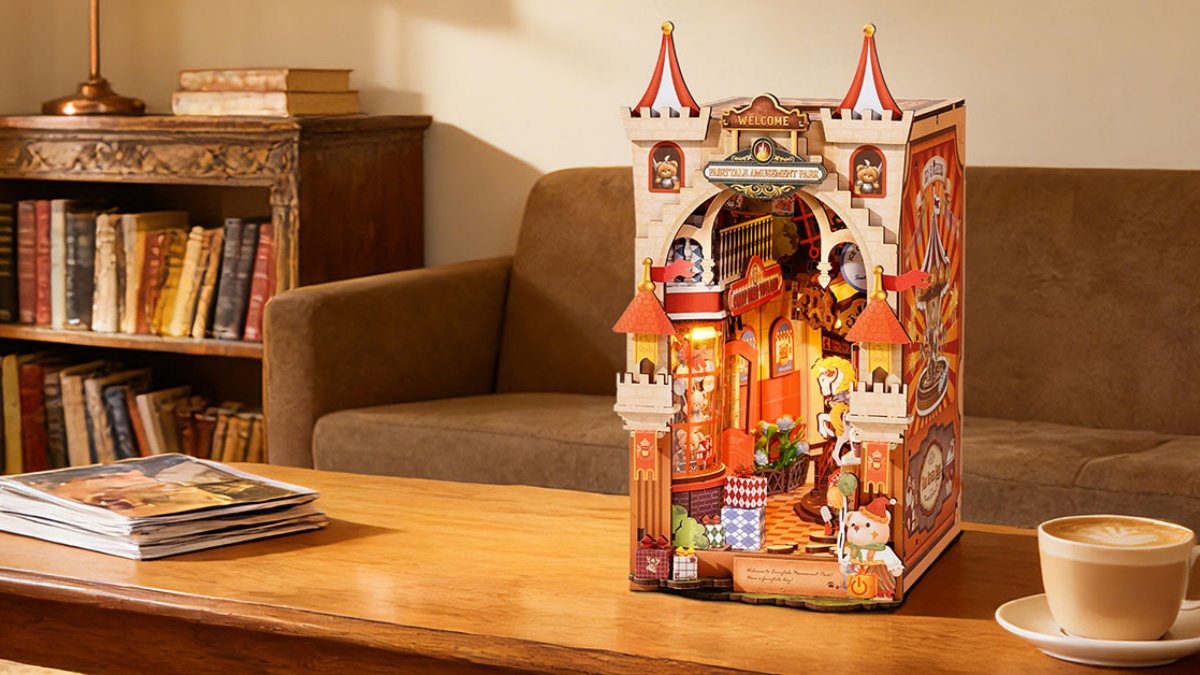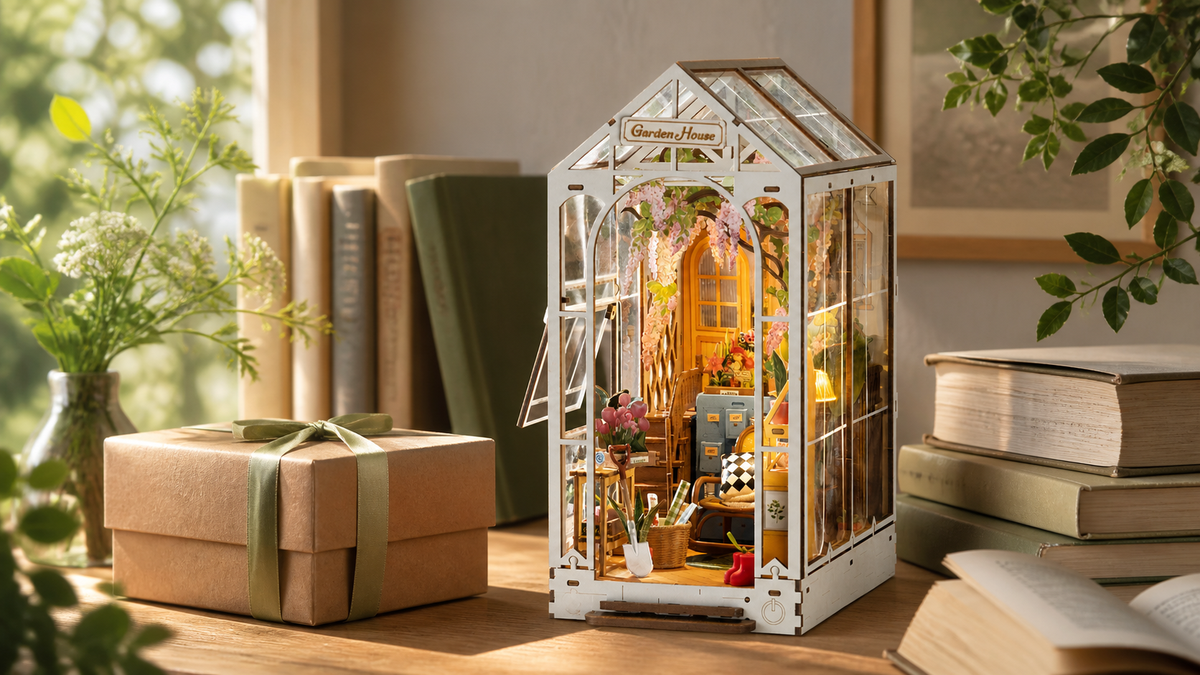
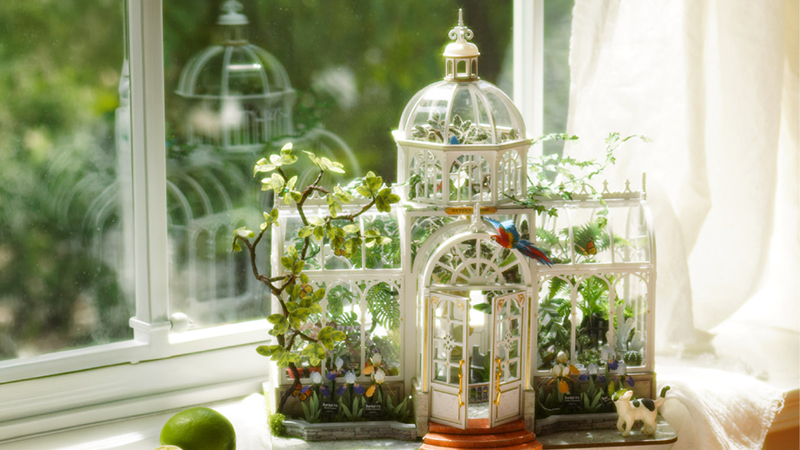
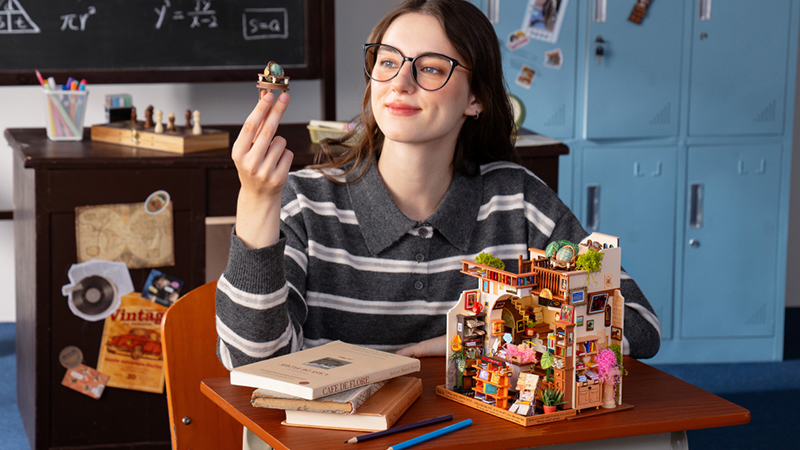
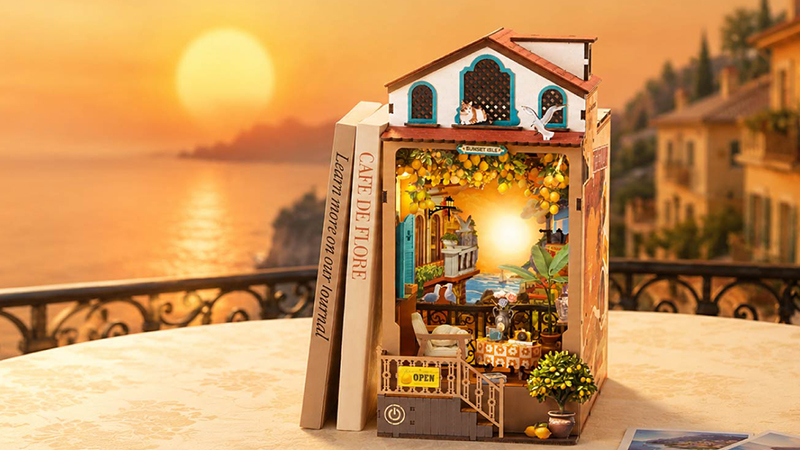
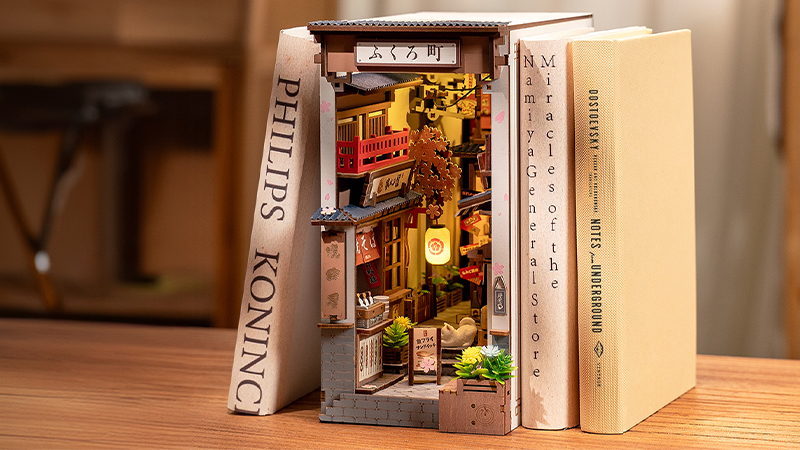
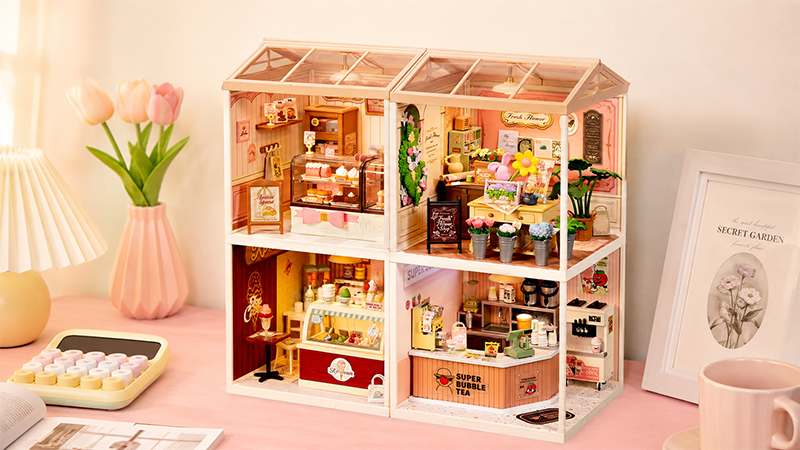
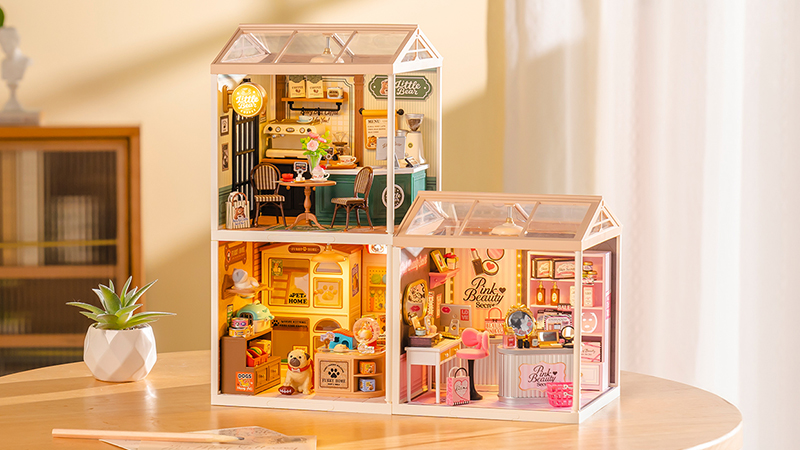

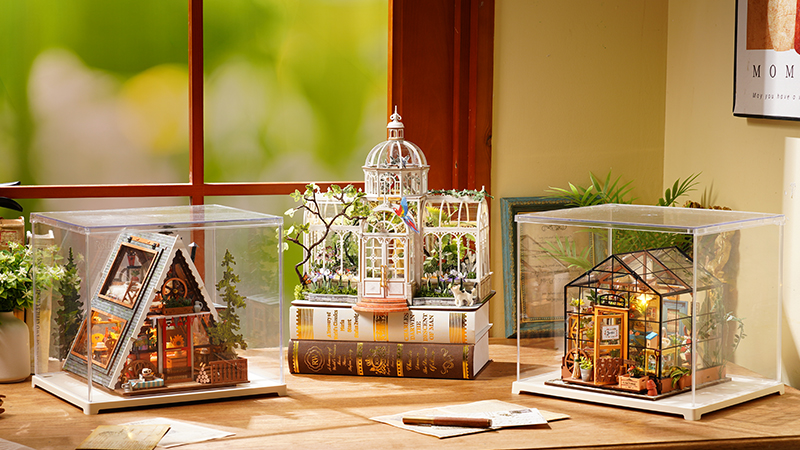
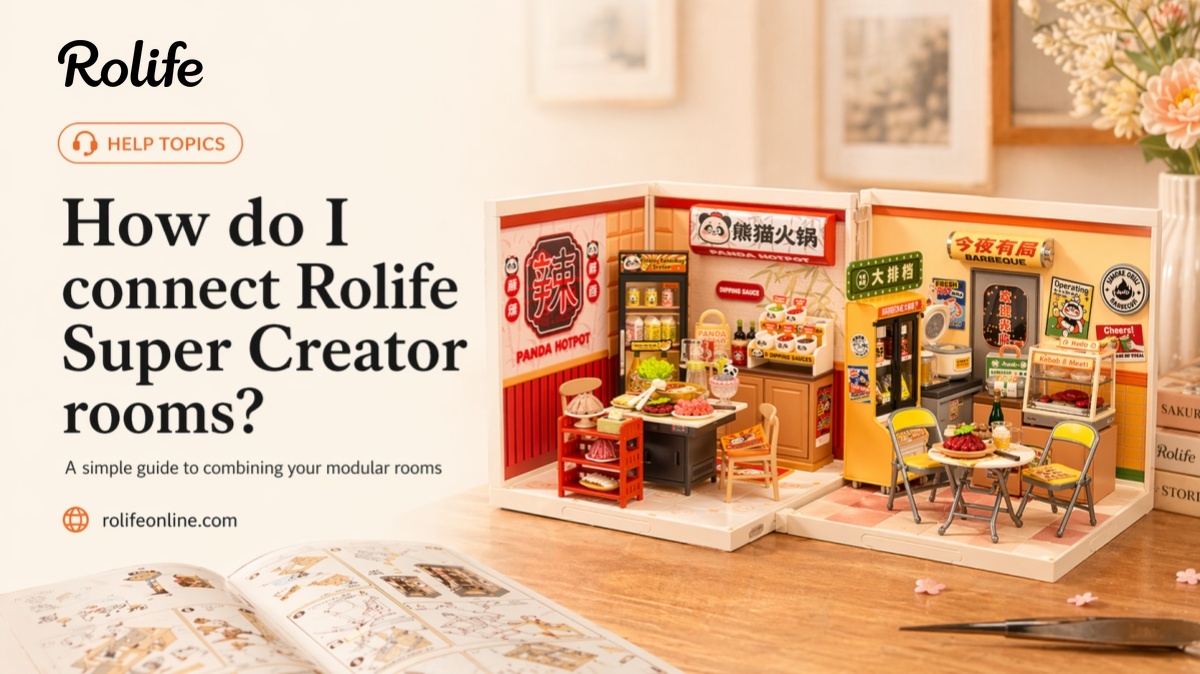
Rolife Super Creator rooms are designed as modular miniature spaces that can be displayed on their own or connected into a larger layout. Each room can be combined with different shapes by using the roof and dust-proof accessories, and the board edges are equipped with connectors for multiple layout directions.
What Makes Super Creator Rooms Connectable?
Each miniature room in the Super Creator series can be assembled together in different shapes with the roof and dust-proof accessories. The edges of the boards are equipped with connectors, which support horizontal stacking, vertical stacking, L-shaped stacking, and other combinations.
This means the system is intentionally designed for expansion. You can display a single room by itself, or gradually build a larger miniature world by adding more rooms over time.
What Layouts Can You Make?
Super Creator kits can be arranged in several standard ways, and the modular system can be extended beyond those examples.
- Horizontal stacking
- Vertical stacking
- L-shaped stacking
- Four-grid stacking
- Six-grid stacking
- Nine-grid stacking
What Accessories Are Needed for Different Layouts?
Different Super Creator combinations may require different numbers of rooms, roofs, and dust-proof doors. If you want a planned display, check the accessory quantities before expanding your layout.
- Horizontal stacking: House × 3, Roof × 3, Dust-proof door × 4
- Vertical stacking: House × 3, Roof × 1, Dust-proof door × 6
- L-shaped stacking: House × 3, Roof × 2, Dust-proof door × 5
- Four-grid stacking: House × 4, Roof × 2, Dust-proof door × 6
- Six-grid stacking: House × 6, Roof × 3, Dust-proof door × 8
- Nine-grid stacking: House × 9, Roof × 3, Dust-proof door × 9
These examples are useful if you want to plan ahead before expanding your display.
How Should I Connect the Rooms?
A simple way to build a connected display is to work step by step instead of trying to finalize the whole arrangement at once.
- Build each room first so every unit is complete and stable on its own.
- Decide on your layout direction such as horizontal, vertical, L-shaped, or grid style.
- Check that you have the matching roof and dust-proof accessories for the combination you want.
- Align the connectors on the board edges and test the layout on a flat surface.
- Adjust the order and spacing until the overall display feels balanced.
- Expand over time by adding more rooms and accessories as your collection grows.
Do I Need to Permanently Glue Super Creator Rooms Together?
Usually, no. Super Creator is designed as a modular display system, so the main idea is flexible arrangement rather than turning everything into one fixed permanent structure.
This makes it easier to reorganize your layout later, add new rooms, or change from a straight line to a stacked or corner display.
Can I Change the Layout Later?
Yes. One of the main advantages of Super Creator is that the rooms are modular. You can start with one or two rooms, then change the layout as your collection grows.
For example, you might begin with a horizontal display, then later turn it into a vertical stack, an L-shaped corner, or a larger grid layout.
Plan Your Super Creator Layout
Super Creator works best when you build room by room and expand your display over time. Start with a simple layout, then move into larger combinations as your collection grows.
Frequently Asked Questions
Can Rolife Super Creator rooms connect together?
Yes. Super Creator kits are designed as a modular system and can be combined into different shapes by using connectors together with roof and dust-proof accessories.
What layouts can I make with Super Creator rooms?
Common examples include horizontal stacking, vertical stacking, L-shaped stacking, four-grid, six-grid, and nine-grid layouts.
Do I need roof and dust-proof accessories to connect rooms?
Yes. Different room combinations use roof and dust-proof accessories together with the built-in connectors.
Do I need to permanently glue Super Creator rooms together?
Usually, no. Super Creator is designed as a modular display system, so it is better suited to flexible arrangement than permanent one-piece assembly.
Can I change my Super Creator layout later?
Yes. You can start with a small layout and reorganize or expand it later as your Super Creator collection grows.
Related Help Articles