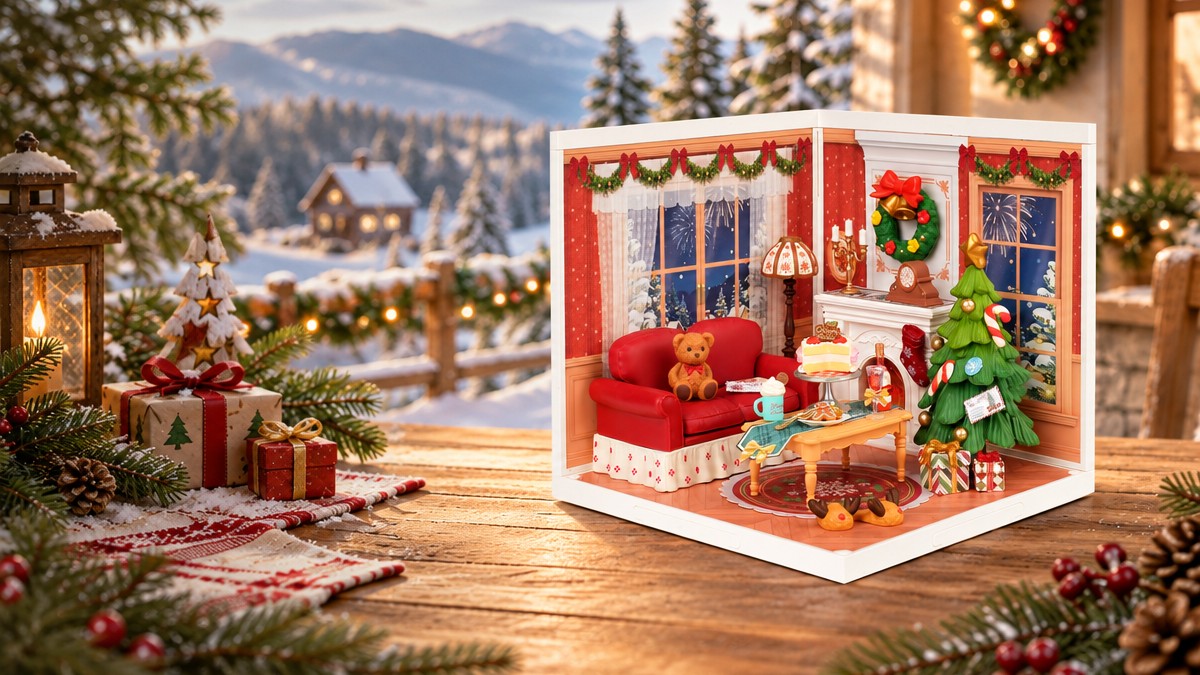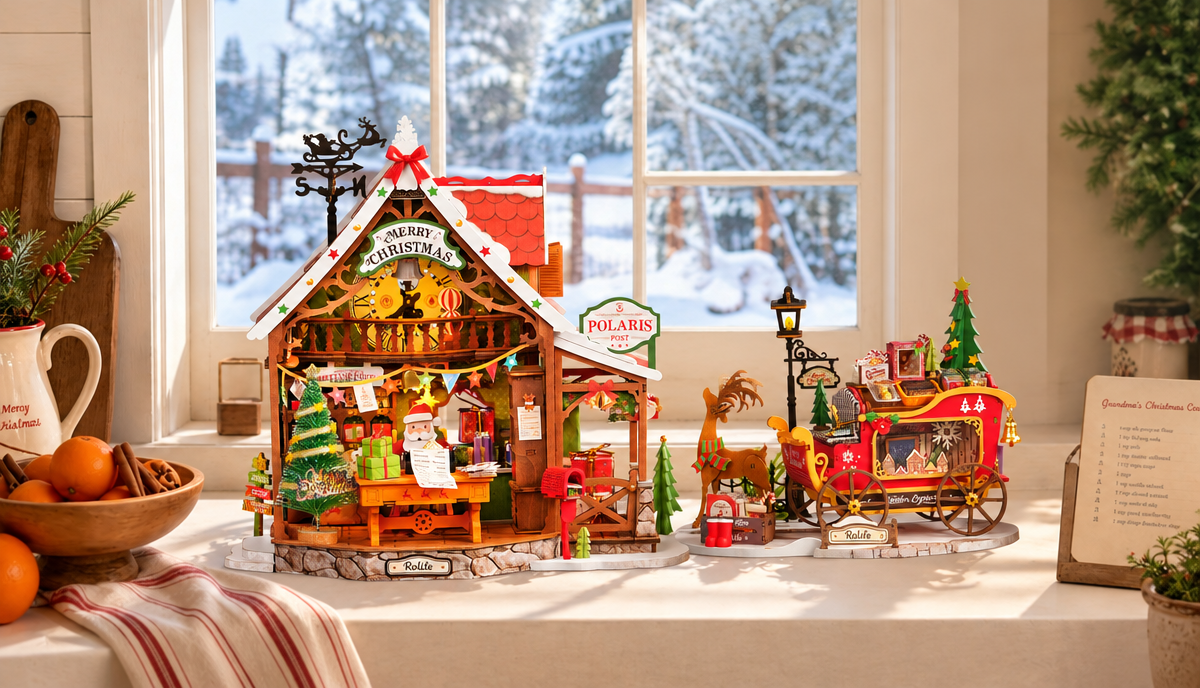


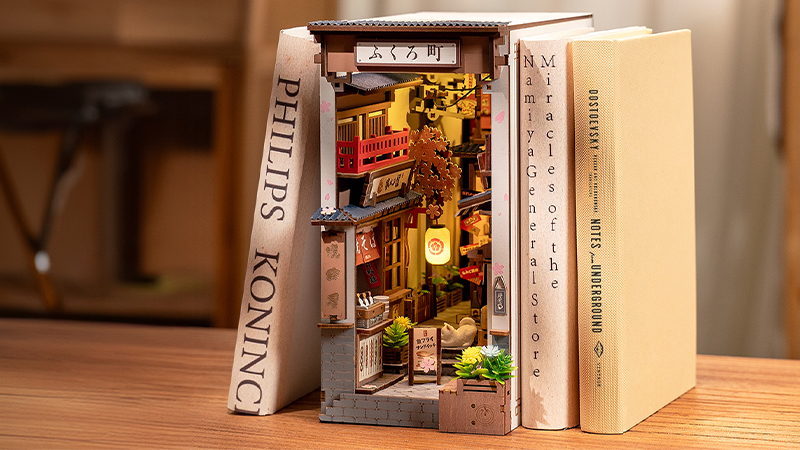
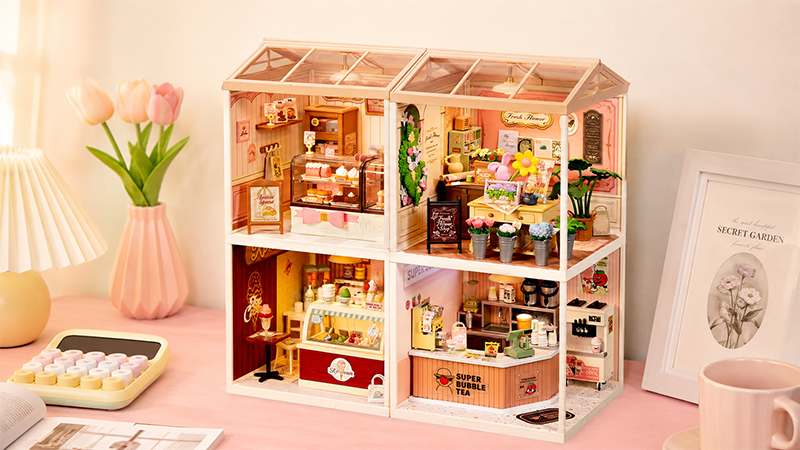
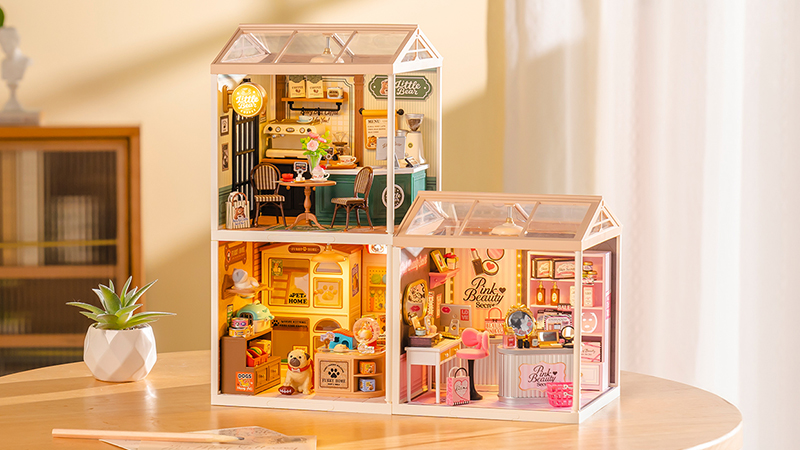

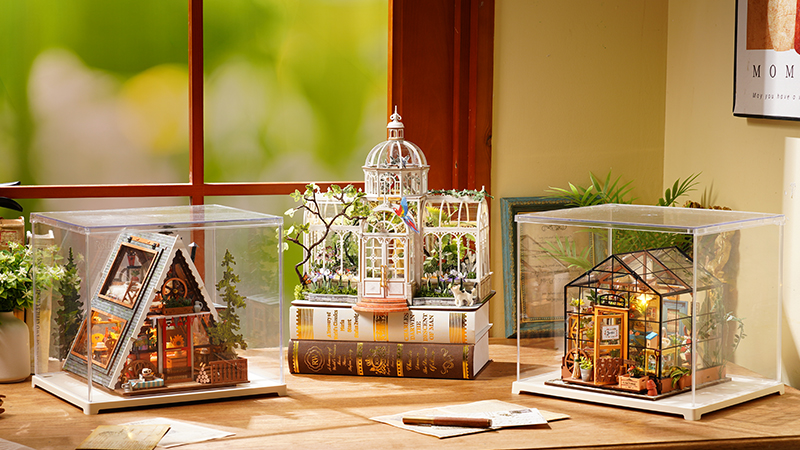
If you are buying a Rolife kit for someone else, you may want to send the order directly to the recipient. This can be helpful for birthdays, holidays, long-distance gifts, housewarming gifts, graduation gifts, or surprise creative gifts.
How to Send a Rolife Order Directly to a Recipient
When placing the order, use the recipient’s shipping information for delivery and your own contact information if you want to manage the order.
Step 1: Choose the gift
Select the Rolife kit, book nook, miniature house, Super Creator room, puzzle, accessory, or e-gift card you want to send.
Step 2: Enter the recipient’s shipping address
At checkout, enter the recipient’s name, delivery address, and phone number in the shipping address fields.
Step 3: Use your email for order updates
If you want to receive confirmation and tracking emails, use your own email address during checkout.
Step 4: Review the address carefully
Check the recipient’s address before paying. Address changes may not be possible once the order has been processed or shipped.
What Should I Check Before Sending a Gift?
Gift orders need extra care because the package is going directly to someone else. Make sure the order information is accurate before checkout.
- Recipient’s full name
- Complete shipping address
- Phone number required for delivery
- Correct product, quantity, and variant
- Estimated processing and delivery time
- Whether gift message or gift wrapping options appear during checkout
Can I Hide the Price or Invoice?
Package contents, packing slips, invoice display, and tax documents may vary by order, destination, and shipping process. If hiding price information is important for your gift, contact Rolife support before placing the order or as soon as possible after ordering.
What If I Am Not Sure Which Kit They Want?
If you are unsure which kit, theme, or difficulty level the recipient would prefer, a Rolife e-gift card may be a better option. It lets the recipient choose their own kit from the official Rolife online store.
Useful Gift Order Links
Use these pages to choose a gift, check shipping, or contact support.
Frequently Asked Questions
Can I send Rolife directly to someone as a gift?
Yes. You can usually send a Rolife order directly to someone by entering the recipient’s name, address, and phone number as the shipping information at checkout.
Should I use my email or the recipient’s email?
Use your own email if you want to receive order confirmation and tracking updates. Use the recipient’s shipping details for delivery.
Can I change the shipping address after ordering?
Address changes may only be possible before the order is processed or shipped. Contact Rolife support as soon as possible with your order number.
What if I do not know which Rolife kit to send?
You can send a Rolife e-gift card instead. This lets the recipient choose the kit, theme, and difficulty level they prefer.
Related Help Articles