

A personal message can make a creative gift feel warmer, but Rolife currently does not support gift messages or gift notes for online orders.
Can I Add a Gift Message at Checkout?
No. Rolife currently does not provide a gift message field, gift note field, or personalized card option during online checkout.
This means Rolife cannot currently print or include a custom message inside the package for the recipient.
Can Rolife Add a Message After I Place the Order?
No. Since Rolife does not currently support gift messages for online orders, a custom gift note cannot be added after checkout either.
If you need to share a message with the recipient, we recommend sending it separately by text, email, greeting card, or another personal method.
What Can I Do Instead?
Even without an official gift message option, you can still make the gift feel personal.
- Ship the Rolife kit to yourself and add a handwritten card.
- Send the recipient a separate message when the gift is on the way.
- Choose a Rolife e-gift card if you want the recipient to pick their own kit.
- Write a personal message in your own greeting card before giving the gift in person.
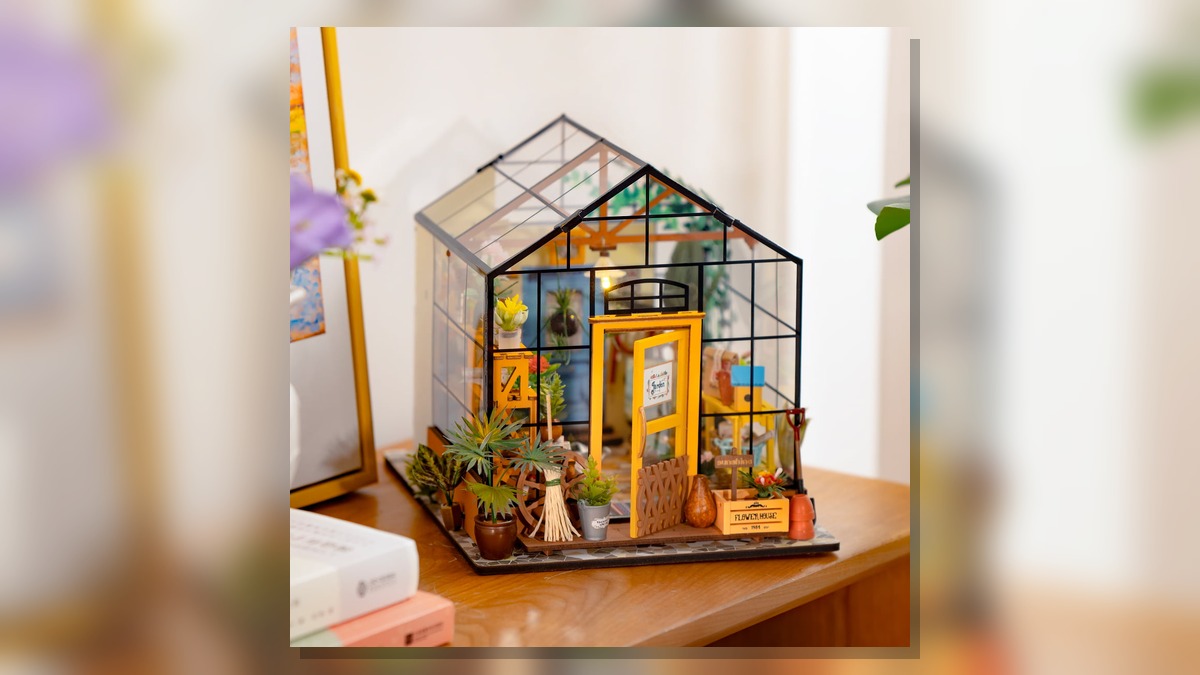
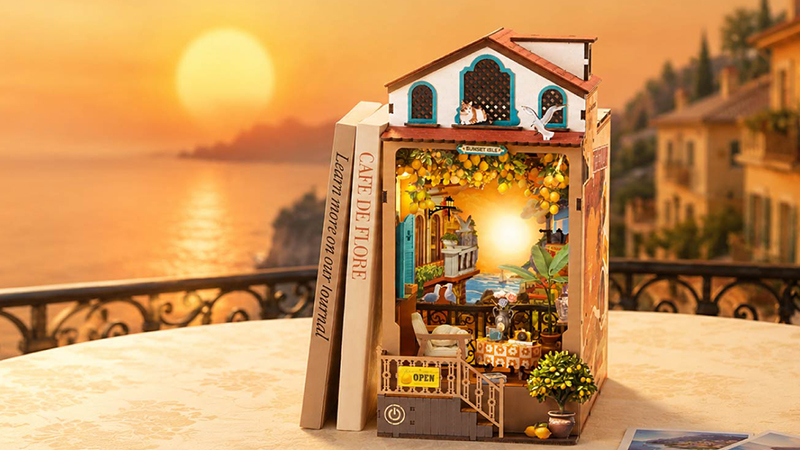
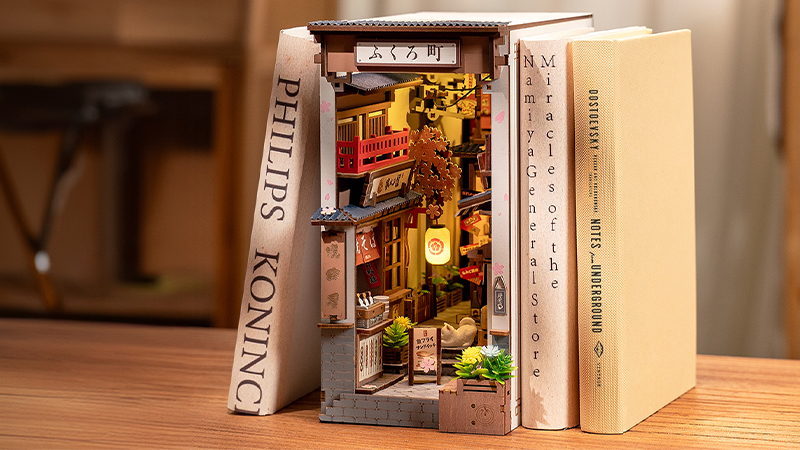
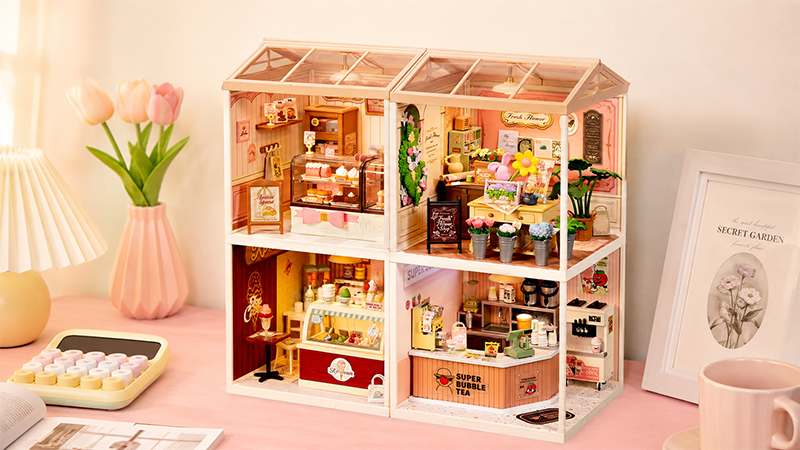
- Choose a kit theme that matches the recipient’s interests, such as books, miniatures, cozy rooms, flowers, puzzles, or relaxing hobbies.
Can I Still Send Rolife Directly to Someone as a Gift?
Yes. You can usually send a Rolife order directly to someone by entering the recipient’s shipping address at checkout. However, the order will not include a personalized gift message from Rolife.
Gift Order Alternatives
Use these pages to choose a thoughtful gift, send a Rolife e-gift card, or learn how to ship an order directly to someone.
Frequently Asked Questions
How do I add a gift message to my Rolife order?
Currently, Rolife does not support adding a gift message, gift note, or personalized card to online orders.
Can Rolife include a personalized card in my package?
No. Rolife currently cannot include personalized cards or custom printed messages in online order packages.
Can I add a gift message after placing my order?
No. Since gift messages are not currently supported, a custom message cannot be added after checkout.
What should I do if I want to include a personal note?
We recommend shipping the order to yourself first and adding your own handwritten card, or sending a separate personal message to the recipient.
Related Help Articles
![Top 5 Most Difficult Rolife Miniature Kits to Build [2026 Guide]](https://www.rolifeonline.com/cdn-resource-files-s/img3/2359c5f4bb0569a6/image/store/1649394707320/Top-5-Most-Difficult-Rolife-Miniature-Kits-to-Build-[2026-Guide].jpg?w=1200&h=674)